
You've been here before. You run auto-captions on a 45-minute interview, hit generate, and spend the next two hours correcting "Premiere Pro" transcribed as "Premiere Bro," your guest's name spelled four different ways, and sentence breaks that land right in the middle of a thought — killing your pacing before you've even touched a single cut. That's not AI helping you. That's AI creating a second job.
The dirty secret of most "AI caption" tools on the market right now is that they're thin wrappers around commodity speech-to-text engines — the same engines that have been failing on technical jargon, proper nouns, and context-dependent grammar since 2018. Slapping a clean UI on top of Whisper or a basic ASR model doesn't solve the fundamental problem: these engines hear audio, but they don't understand what's being said.
GPT-4.1 changes that equation. Here's exactly why, and how to use it to get transcriptions that are actually ready for your timeline on the first pass.
The 'Babysitting' Problem: Why 90% Accuracy Is Still 100% Annoying
Ninety percent accuracy sounds impressive until you do the math. In a 5,000-word interview transcript, that's 500 errors. Even at a generous 10 seconds per correction — finding the mistake, clicking in, retyping — you're looking at over 80 minutes of remedial text editing. On a project where your client is already breathing down your neck about delivery, that's time you simply don't have.
Worse, caption errors aren't evenly distributed. They cluster around exactly the content that matters most: brand names, product names, technical terminology, and the names of the people your video is actually about. These are high-visibility mistakes. A viewer who knows the subject matter will clock every single one, and it undermines the credibility of the entire production.
The promise of "AI captions" was supposed to eliminate this babysitting. Instead, most tools have just moved the problem slightly downstream. You're still the one cleaning up after a model that had no idea who your guest was or what industry they work in before it started transcribing.
The Hidden Cost of Manual Typo Correction in Long-Form Edits
For short-form content — a 60-second reel, a quick social clip — you can absorb the correction time. It's annoying, but it's manageable. Long-form is where the wheels fall off completely.
Think about a documentary interview, a full podcast episode, or a corporate training video. These projects often run 30 to 90 minutes of raw footage. The transcript is the backbone of your entire edit. If you're doing any kind of paper edit or working from a transcript to build your selects, errors in the transcription don't just cost you caption-correction time — they cost you edit-decision accuracy. You miss a great line because it was transcribed as gibberish and you skimmed past it.
There's also the SRT export problem. If you're delivering an SRT file to a client, a streaming platform, or a localization team for translation, every error you leave in the transcript multiplies downstream. A mistranscribed technical term gets translated incorrectly into three languages. Now you're not just fixing one caption — you're issuing corrections across an entire localization pipeline.
The hidden cost of bad transcription isn't just your time on this project. It's the compounding liability across every deliverable that depends on that transcript being right.
GPT-4.1 vs. Standard Speech-to-Text: What's the Difference?
Standard speech-to-text — whether it's the native Premiere Pro captions engine, a basic Whisper implementation, or most of what's powering the caption tools you've already tried — operates on a fundamentally acoustic model. It's converting sound patterns into the most statistically likely sequence of words. It's good at common words in common contexts. It falls apart the moment your content deviates from the average.
GPT-4.1 is a large language model. It doesn't just hear audio — it reads the resulting text with a deep understanding of grammar, context, semantics, and world knowledge. When it encounters an ambiguous transcription, it doesn't just pick the most acoustically similar word. It asks, in effect: given everything I know about this sentence, this topic, and this conversation, what word actually belongs here?
That's a fundamentally different operation. And the gap between those two approaches is exactly where your 10% error rate lives.
Understanding Context: Why 'It's' vs 'Its' and Technical Jargon Matter
Here's a concrete example. A standard ASR engine transcribes what it hears phonetically. "It's" and "its" are acoustically identical. The engine will pick one — usually incorrectly — based on shallow probability. GPT-4.1 reads the surrounding sentence structure and applies grammatical understanding to get it right, consistently.
Now scale that up to your actual production vocabulary. If you're editing a cybersecurity podcast, your guest is going to say "SIEM," "zero-day," "CVE," and a dozen vendor names that no generic ASR model has ever been trained to recognize. If you're editing medical content, you're dealing with drug names, anatomical terms, and procedure names that will be mangled beyond recognition by a basic speech-to-text engine. Gaming content? Every title, every studio name, every piece of in-game terminology is a potential transcription failure point.
The difference with GPT-4.1 isn't just raw accuracy on common words. It's the ability to leverage contextual understanding to resolve ambiguity intelligently — and the ability to be told about your specific content before it starts, so it's not encountering your niche vocabulary cold.
Pre-Prompting Your Transcription: The 'Context Injection' Workflow
This is the workflow shift that separates editors who get 99% accuracy from editors who get 90% accuracy and spend their afternoon fixing it. Before you run transcription, you give the model context. Not after the fact, not as a correction pass — before the engine ever touches your audio.
Think of it as briefing a human transcriptionist before they start work. A professional transcriptionist, handed a 60-minute interview, would ask: Who is the guest? How do they spell their name? What company are they from? What are the key terms I'm going to hear? You'd answer those questions in 30 seconds and they'd produce a dramatically more accurate transcript as a result.
Context injection is the same concept, formalized as a pre-transcription prompt. You're feeding the model a structured brief that primes it for your specific content before a single word of audio is processed. The result is a transcript that already knows what it's dealing with — proper nouns spelled correctly, technical terms recognized, acronyms expanded appropriately.
How to Tell the AI About Your Guest's Weirdly Spelled Name Before It Fails
Let's say your guest is Siobhan Kowalczyk, a DevSecOps engineer at a company called Axonius. Without context injection, a standard ASR engine is going to produce something like "Shivon Kovalcheck" and "Axonious" — and you're going to be fixing those every single time they appear throughout a 40-minute interview.
With a context prompt, you provide the model with exactly what it needs upfront. Something structured like: "Guest name: Siobhan Kowalczyk. Company: Axonius. Key terms: DevSecOps, CSPM, asset intelligence platform, CVE remediation." Now the model has a reference frame. When it encounters an ambiguous phonetic sequence that could be "Shivon" or "Siobhan," it resolves to the correct spelling because you told it the correct spelling exists in this audio.
This is precisely what PremiereCopilot's context injection field is built for. You fill it in once per project — 30 seconds of setup — and the transcription engine goes into your audio already briefed. No more OCR-style guessing at proper nouns. No more burn-in of errors that you then have to hunt down across a 200-caption timeline.
The practical impact: for niche content, technical interviews, and any project with non-standard vocabulary, context injection alone can move your accuracy from 88% to north of 99% on the first pass. That's not a marginal improvement. That's the difference between a transcript you can work from immediately and one that requires a full correction pass before it's usable.
Punctuation That Doesn't Ruin Your Pacing
Transcription accuracy is only half the caption problem. The other half is segmentation — where the text gets broken into individual caption cards. And this is where even reasonably accurate caption tools consistently fail editors in ways that are genuinely maddening.
A caption break in the wrong place doesn't just look bad. It actively disrupts the viewer's reading rhythm, which disrupts their comprehension, which makes your edit feel choppy even if your cuts are clean. You've done everything right on the timeline and the captions are undermining it.
Standard caption segmentation tools break on one of two criteria: a fixed character limit, or a detected pause in the audio. Both approaches are blunt instruments. Fixed character limits don't respect grammatical structure — they'll happily break "the most important" onto one card and "thing you need to know" onto the next. Pause-based segmentation breaks wherever the speaker breathes, which is often mid-clause, mid-phrase, or mid-thought.
What you actually need is a segmentation engine that understands the grammatical and semantic structure of the sentence and breaks at points that feel natural to a reader — clause boundaries, complete phrases, logical pauses. That requires language understanding, not just audio analysis.
Why PremiereCopilot Doesn't Break Subtitles Mid-Sentence
PremiereCopilot's caption segmentation uses GPT-4.1's language understanding to identify grammatically coherent break points. It's not counting characters and cutting. It's reading the sentence structure and asking: where would a human caption writer break this line to preserve the meaning and the rhythm?
The practical result is caption cards that read like they were written by a professional subtitler, not generated by an algorithm. Complete thoughts stay together. Prepositional phrases don't get orphaned. The speaker's natural cadence — the thing that makes their delivery feel compelling — is preserved in the text segmentation rather than being chopped up by a character counter.
For editors doing any kind of documentary, interview, or narrative work where the speaker's voice is central to the storytelling, this matters enormously. Your captions should amplify the performance, not fight it. Smart punctuation and intelligent segmentation are how you get there without spending an hour manually adjusting every break point on a 300-caption timeline.
From Transcription to Timeline: One-Click Caption Styling
Accurate captions that are still unstyled are only halfway to finished. The final step — getting those captions off the transcript and onto your timeline in a form that's actually ready for delivery — is where a lot of editors lose another chunk of time they shouldn't have to spend.
Native Premiere Pro captions are functional, but the styling workflow is cumbersome. You're working with the Essential Graphics panel, manually keyframing any animated properties, and if your client wants a specific look — bold keywords, dynamic word-by-word reveals, a specific font and color treatment — you're either building that from scratch or importing a Motion Graphics Template and hoping it plays nicely with your auto-generated caption track.
The gap between "captions are accurate" and "captions are delivery-ready" is a styling and animation problem. And for editors producing content for social platforms, where caption style is part of the visual identity of the content, it's not a trivial gap.
Moving Beyond Basic Text to 'Caption Anime' Styles Without the Manual Keyframes
The "caption animé" style — word-by-word or phrase-by-phrase reveals with dynamic highlighting, scale, or position animation — has become a standard deliverable for short-form and social content. Viewers expect it. Clients ask for it. And producing it manually, with individual keyframes on every word across a 3-minute video, is the kind of work that makes you question your career choices at 11pm.
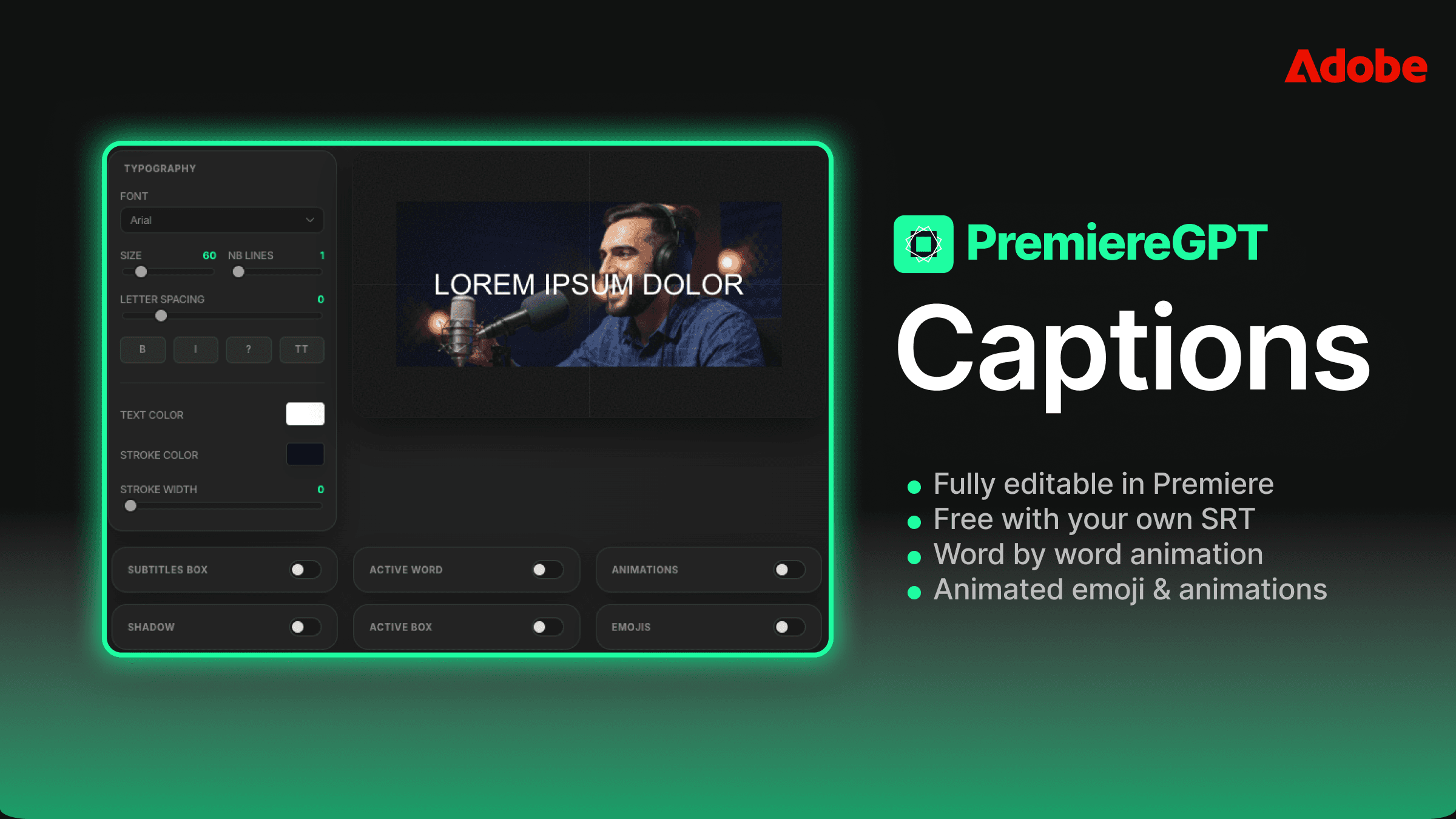
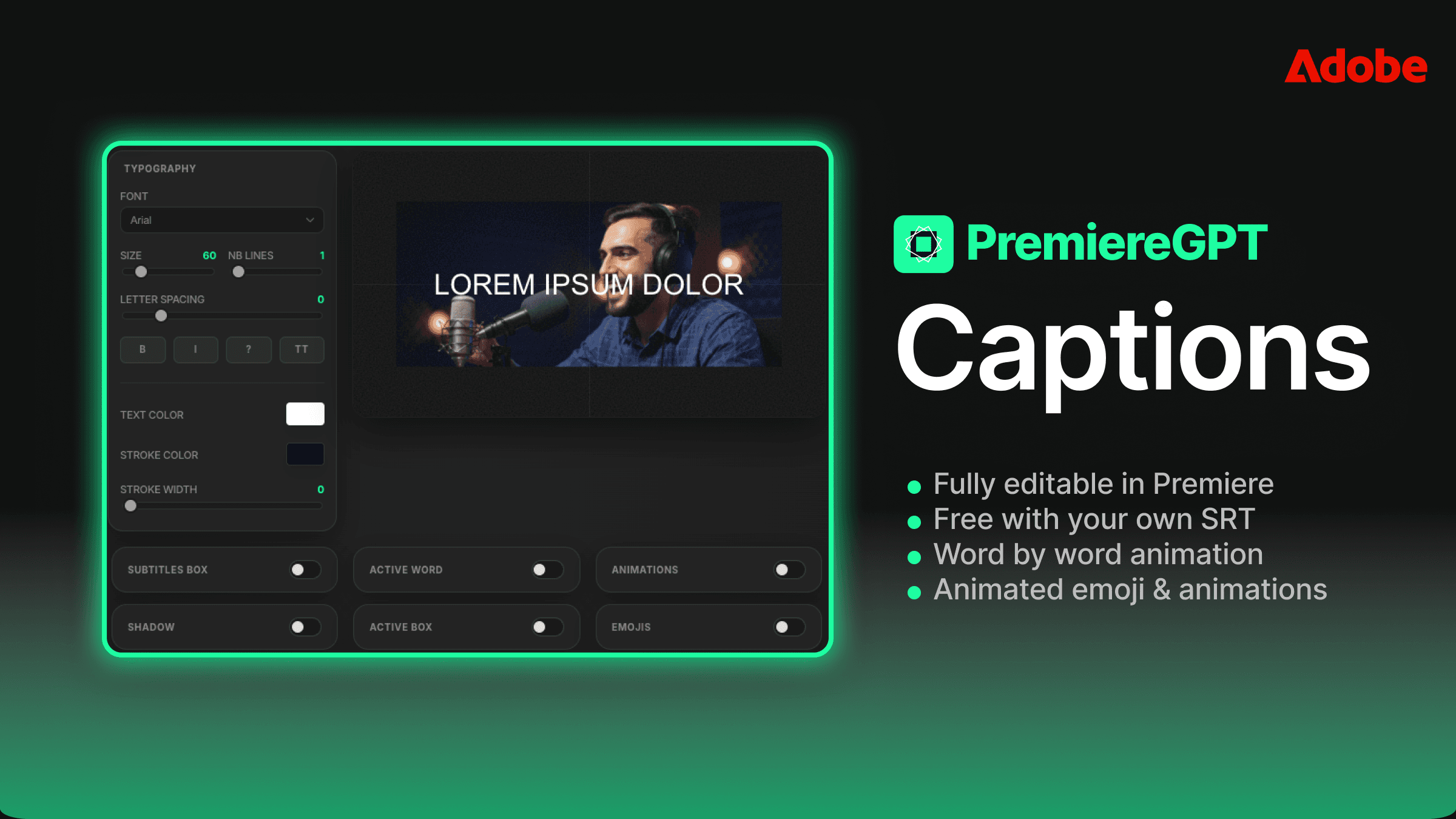
PremiereCopilot handles this by applying styled caption presets directly to your timeline during the caption generation process. The transcription, segmentation, and styling happen in a single workflow rather than three separate manual passes. You're not exporting an SRT, importing it into Premiere, applying a template, adjusting the timing, and then going back to fix the breaks that don't work with your template's character limit. You're generating captions that are already styled, already segmented intelligently, and already on your timeline.
For burn-in workflows — where the captions need to be baked into the video file rather than delivered as a sidecar SRT — this is particularly valuable. Every manual adjustment you avoid in the styling phase is time saved before that final export. And because the segmentation is linguistically intelligent rather than character-count-based, your styled captions actually fit the visual template without the overflow and truncation issues you get when a 140-character caption card gets generated for a template designed for 80 characters.
The workflow collapses from transcript → correct → segment → style → animate → export into a single pass with a correction rate that's close enough to zero that you can actually trust it. That's the difference between a tool and a workflow-saver.
Tired of building context from scratch every time you start a new project? We put together the "Context Cheat Sheet" — 20 ready-to-use pre-transcription prompts across the niches where caption accuracy matters most: Medical, Tech, Gaming, Legal, Finance, and more. Drop these into your context injection field before you hit generate and hit 99.5% accuracy on the first pass. Get the Accuracy Prompts →
.png)
.png)